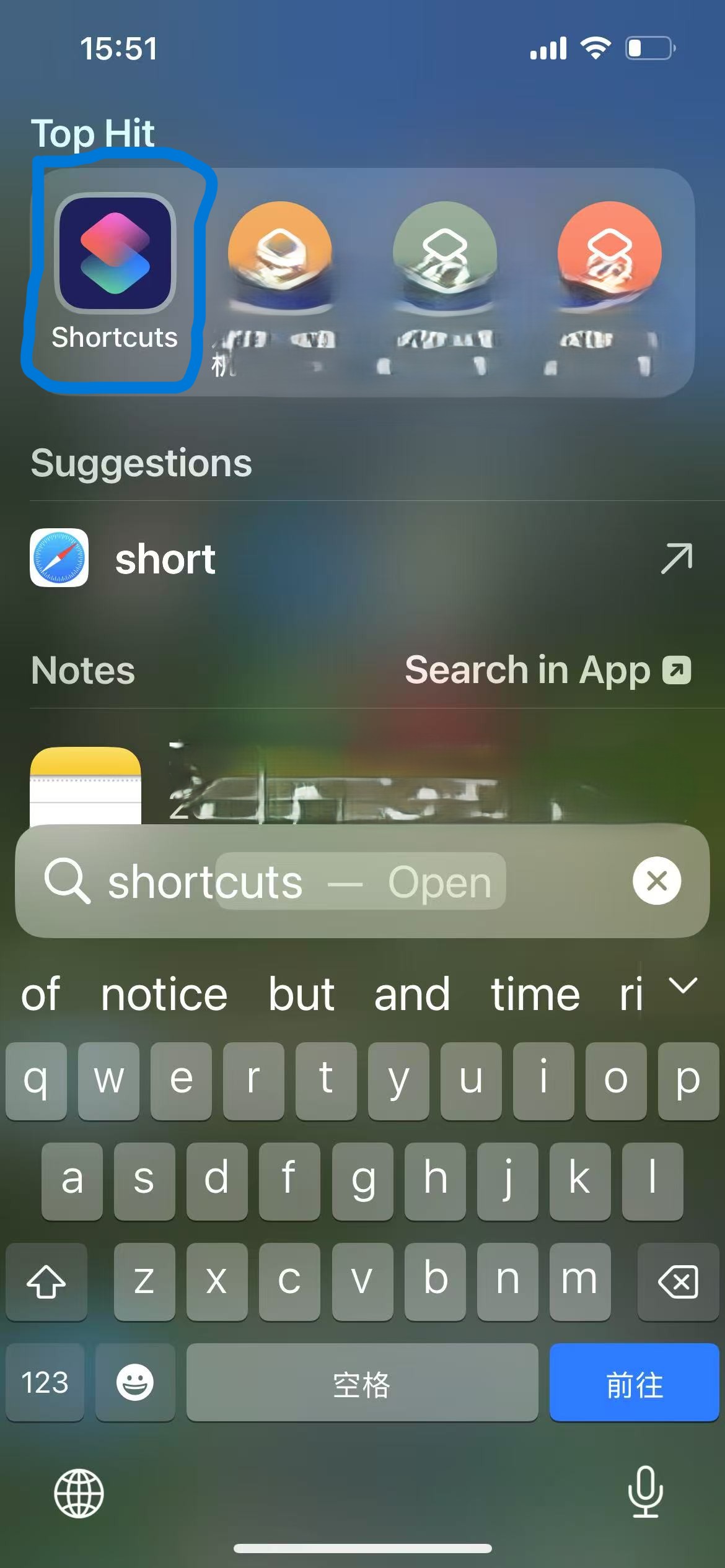
Shortcuts is an automation app provided by Apple for all iPhone users. It can combine different apps and data to create automated workflows according to user requirements.Here, we'll take an example of creating a daily automation that sends HarmonyScreen monitoring data to parents via iMessage. First, search for "Shortcuts" on your iPhone.
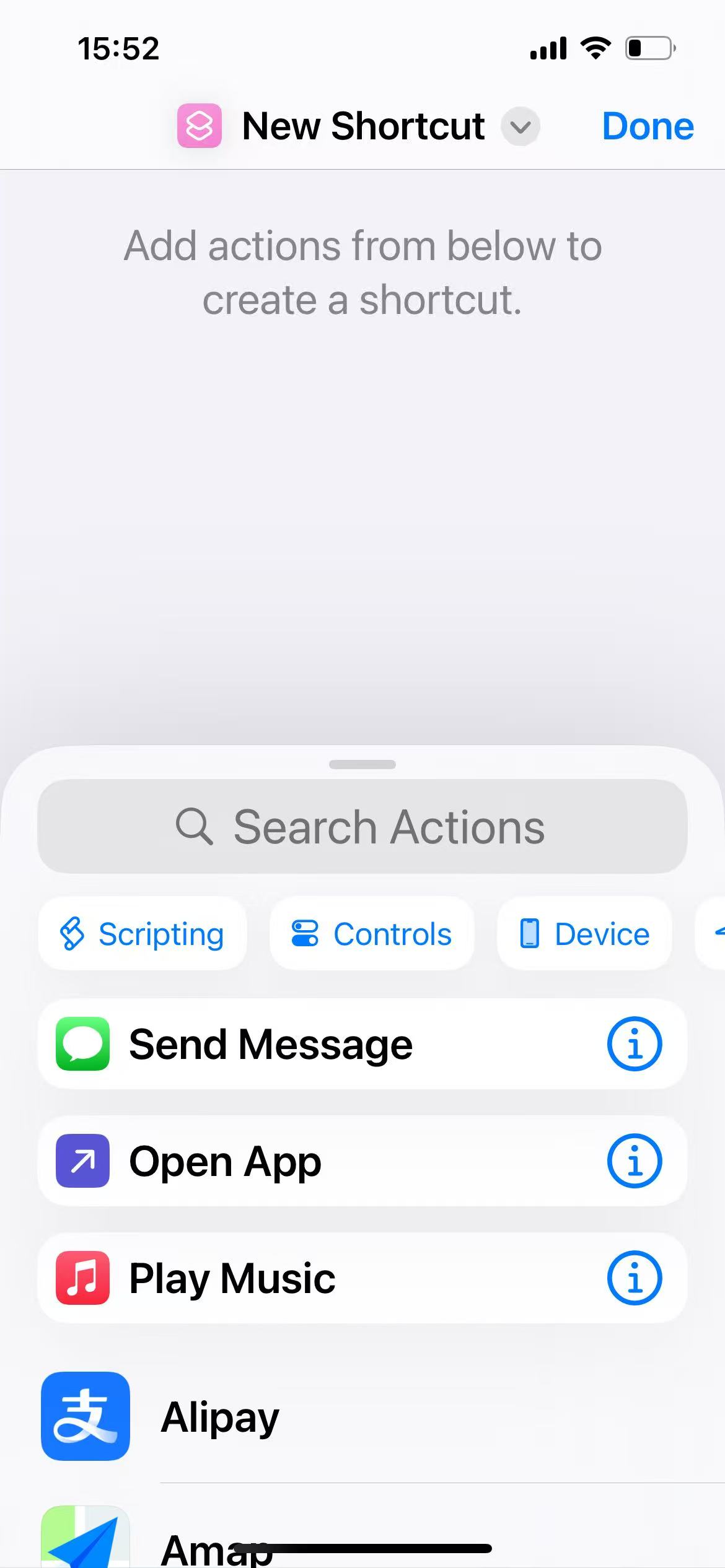
After entering Shortcuts, tap the plus button in the top right corner to create a new shortcut.
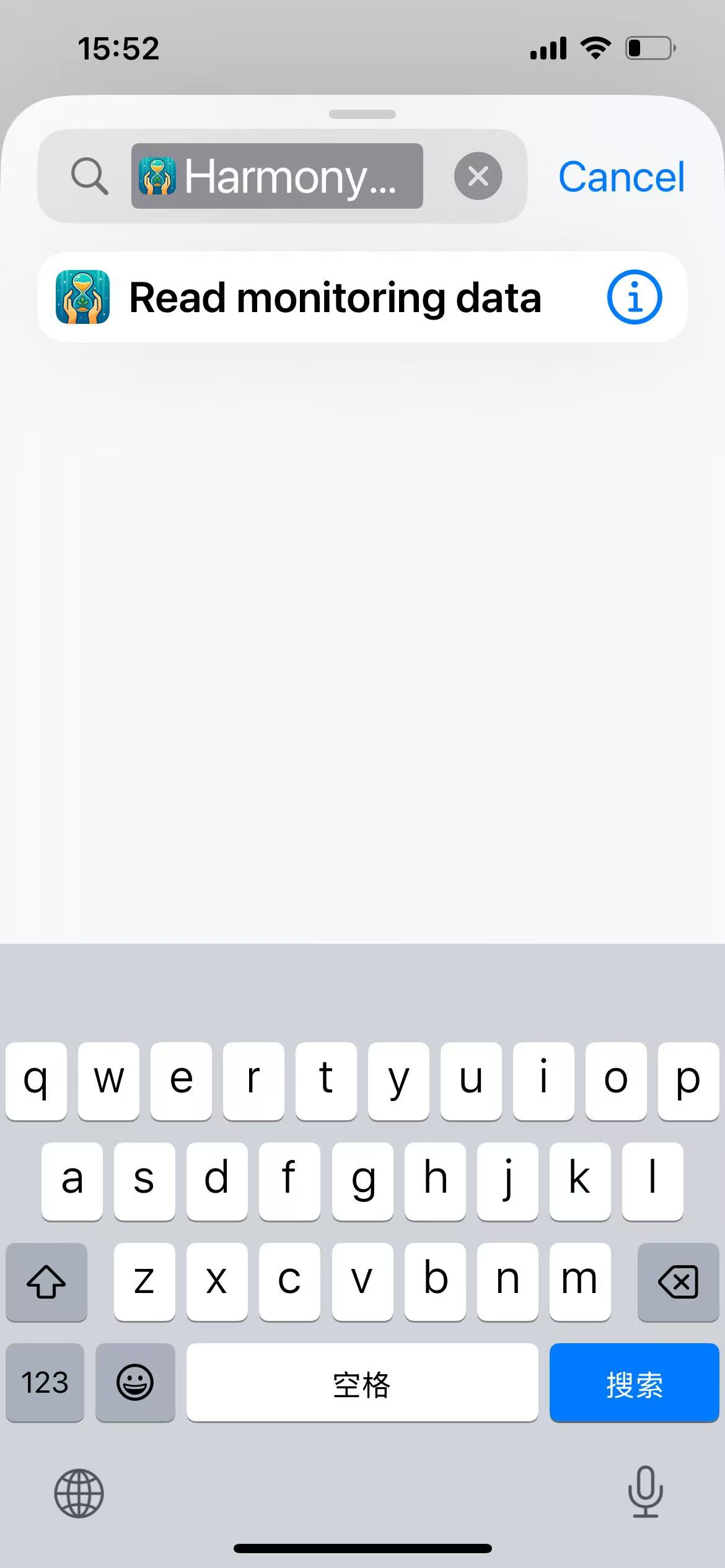
In the "search action" area, type "HarmonyScreen" to find related shortcuts.
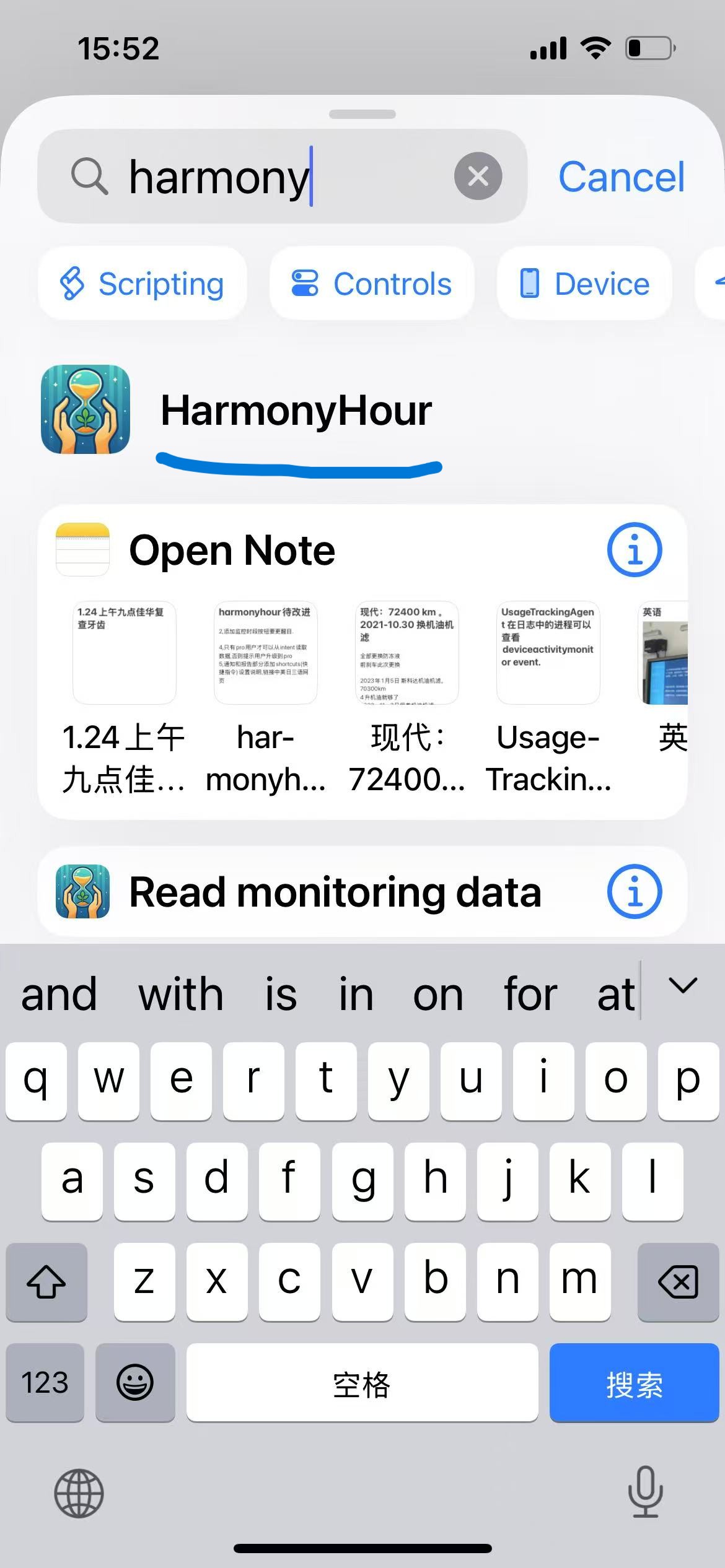
Select "Read Monitoring Data".
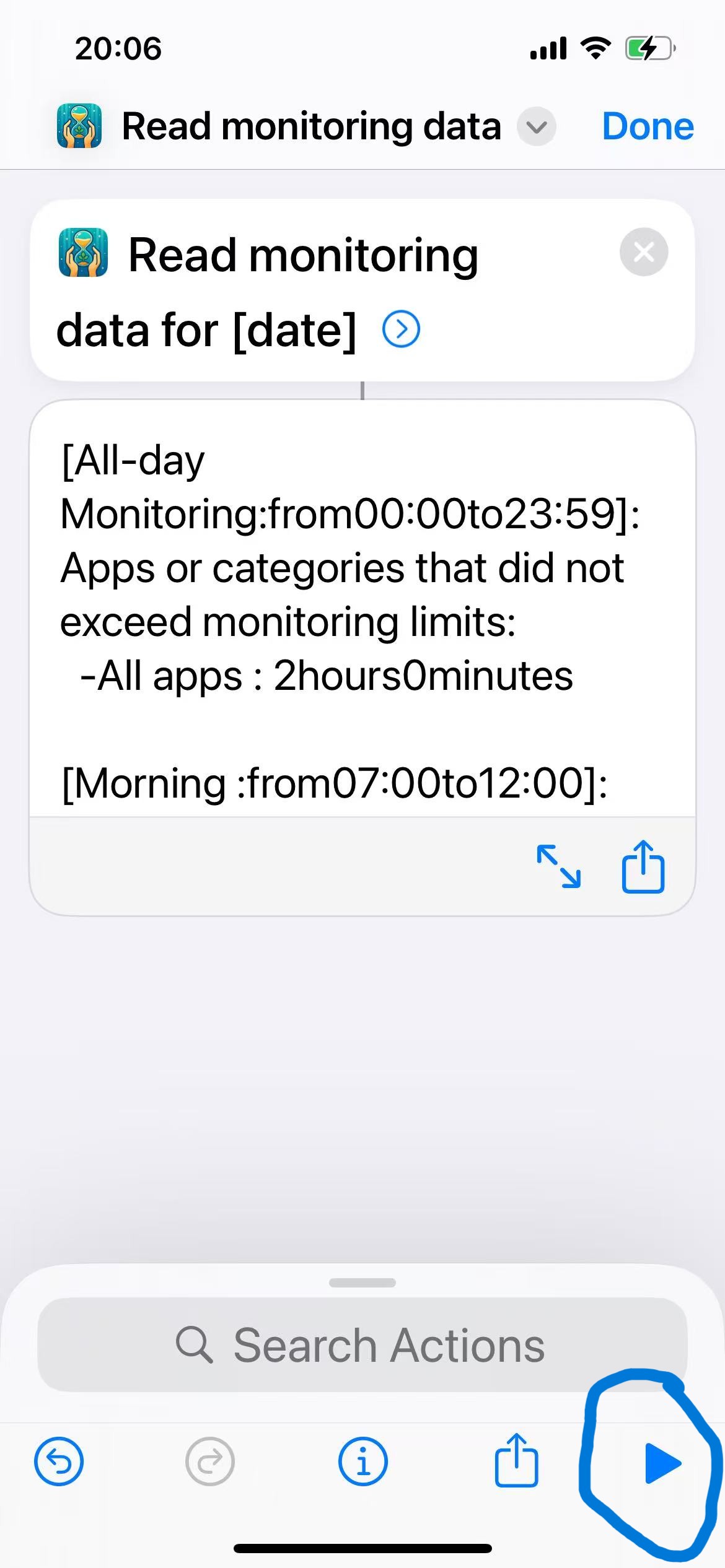
Tap the play button in the bottom right corner, and you should see today's data.
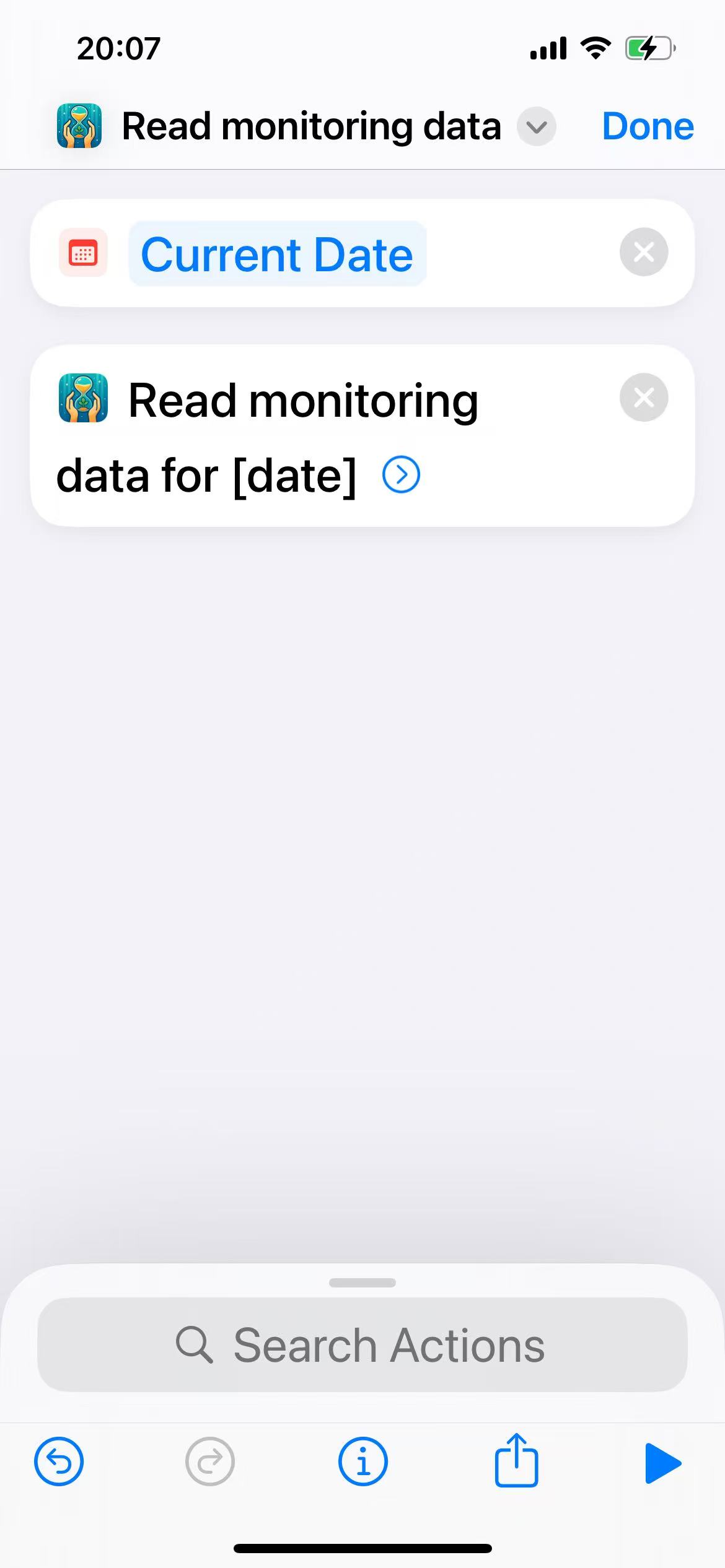
Continue by searching for "Date" and drag the "Date" shortcut to the top.
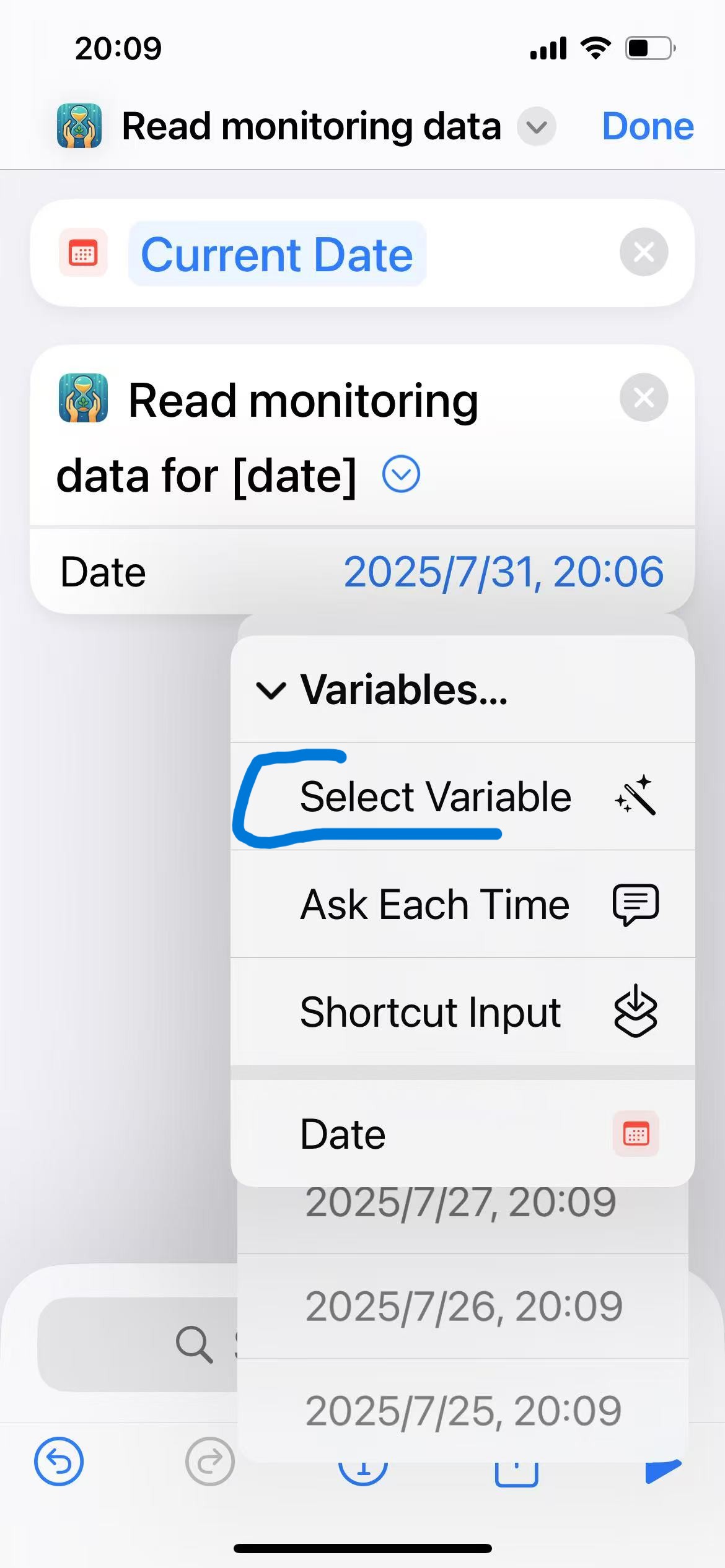
Now we need to establish a connection between the date and the "Read Monitoring Data" shortcut. First, choose "select Variable" as shown in the image.
You'll see the "Select Magic Variable" prompt. At this point, tap "Date" in the box to establish the connection.
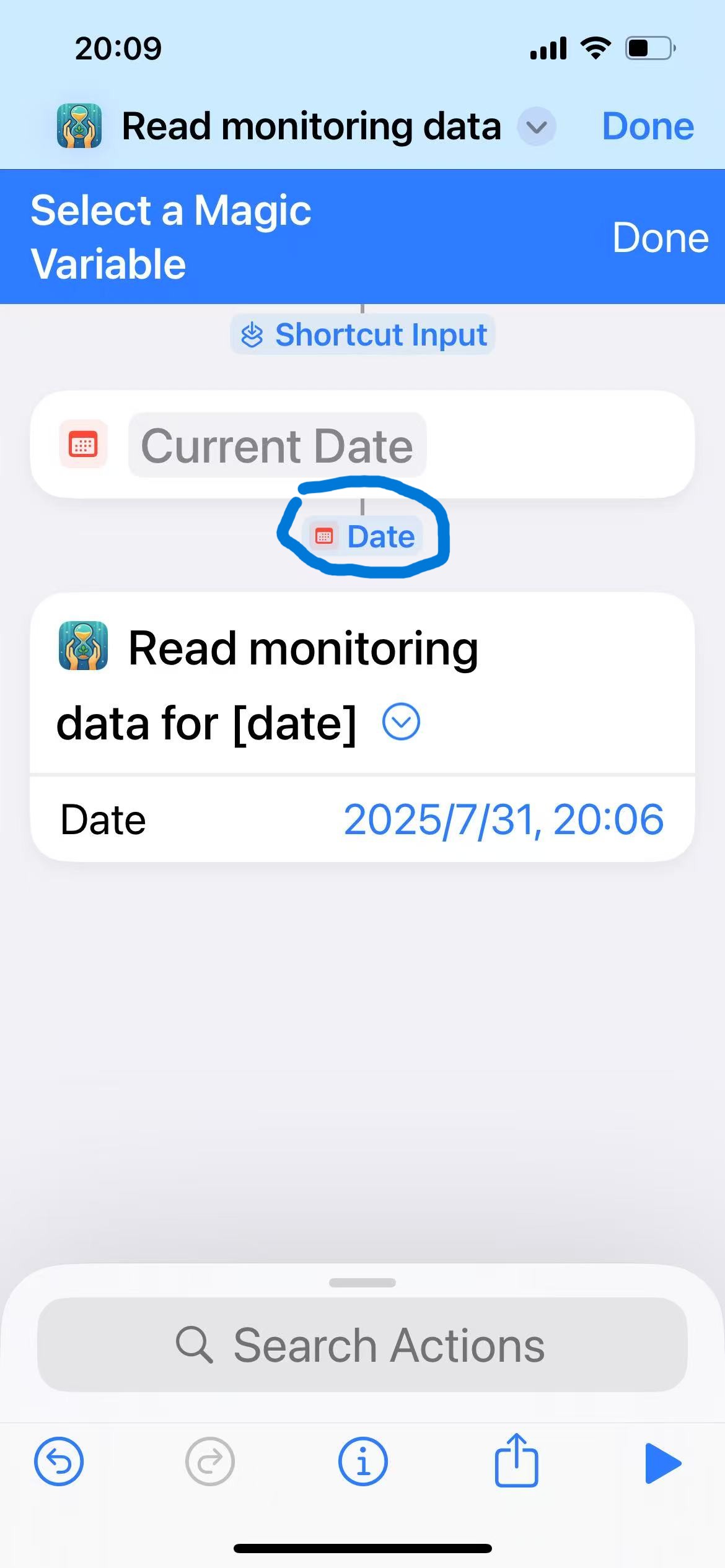
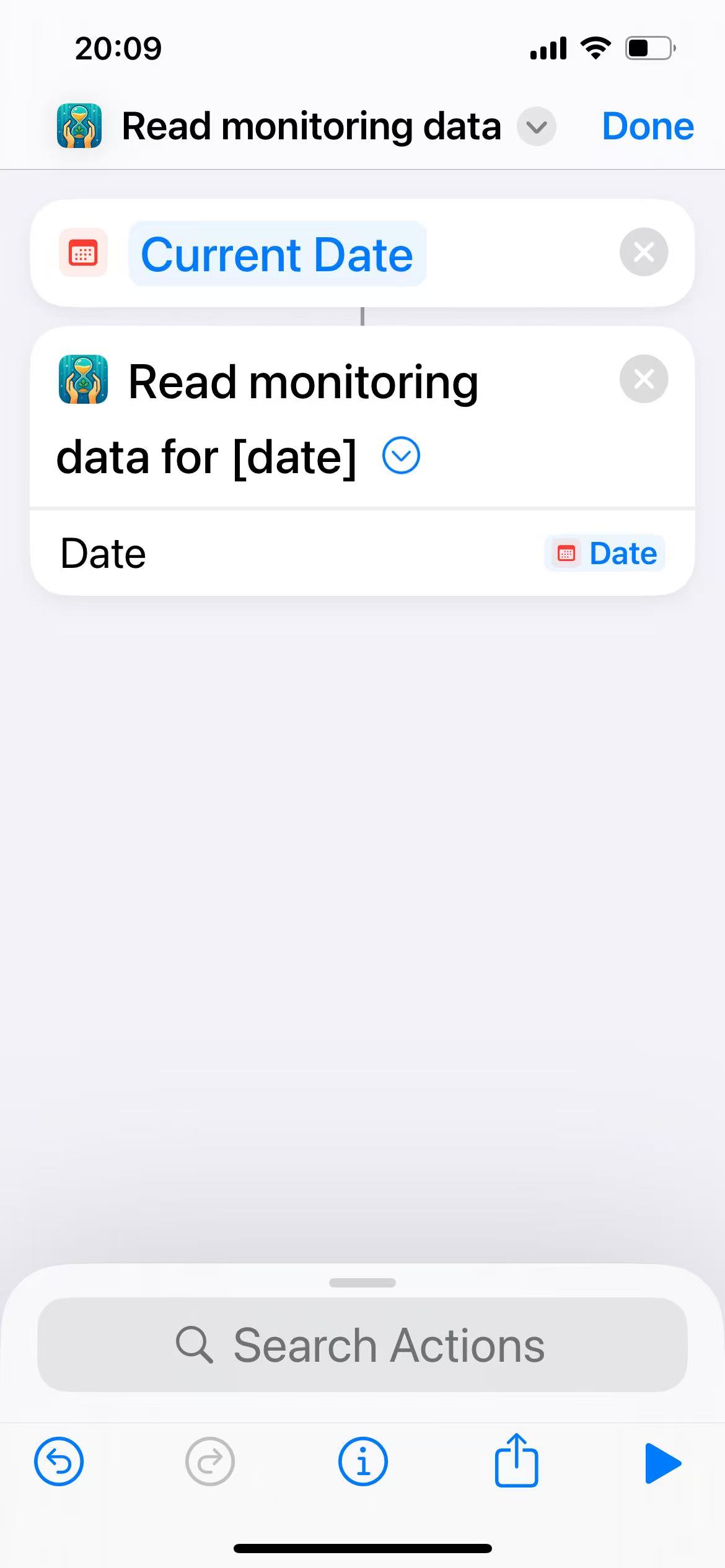
Now the current date is properly linked with the date in "Read Monitoring Data".
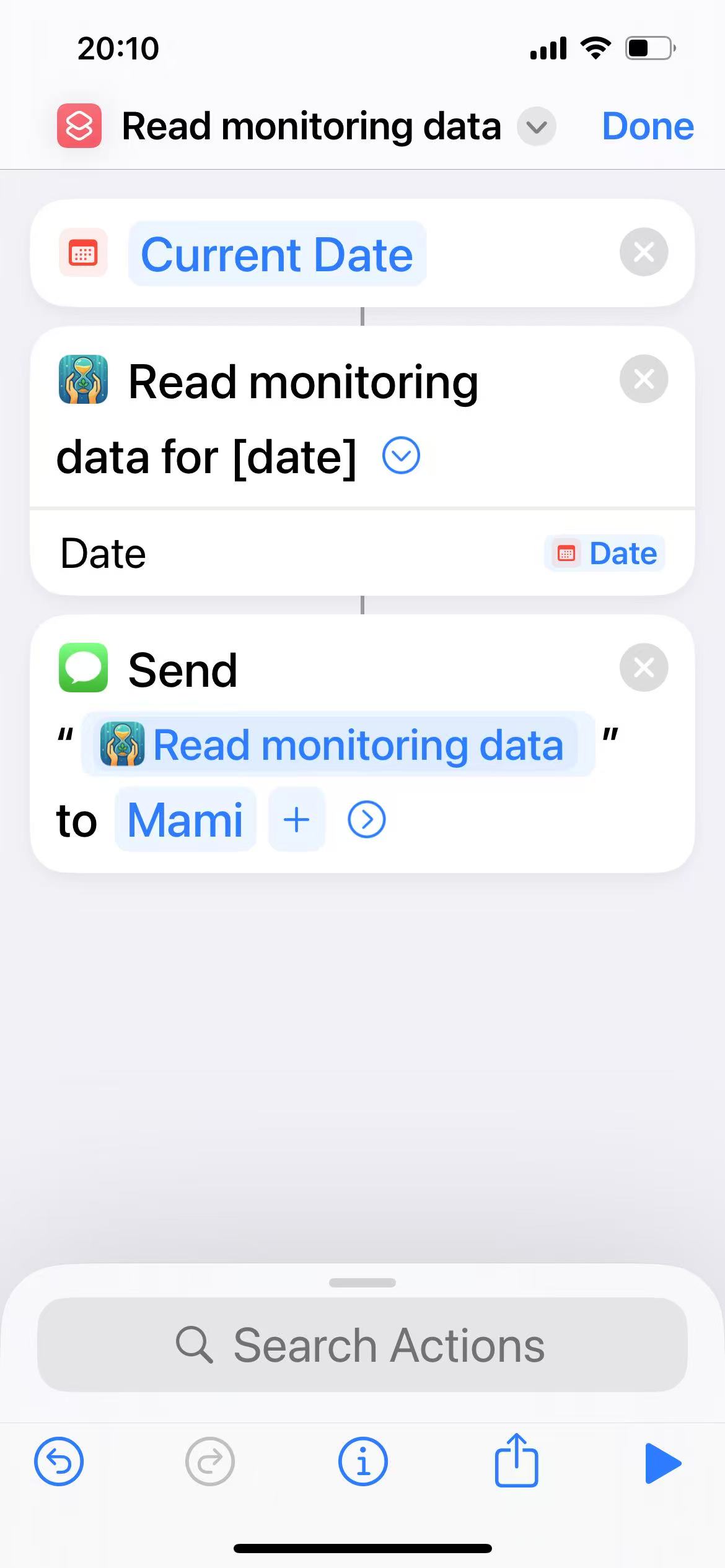
Search for the "Send Message" shortcut and add it to the current workflow, then select the recipient. At this point, our shortcut is complete. Rename it to "Send App Usage Data To Mami".
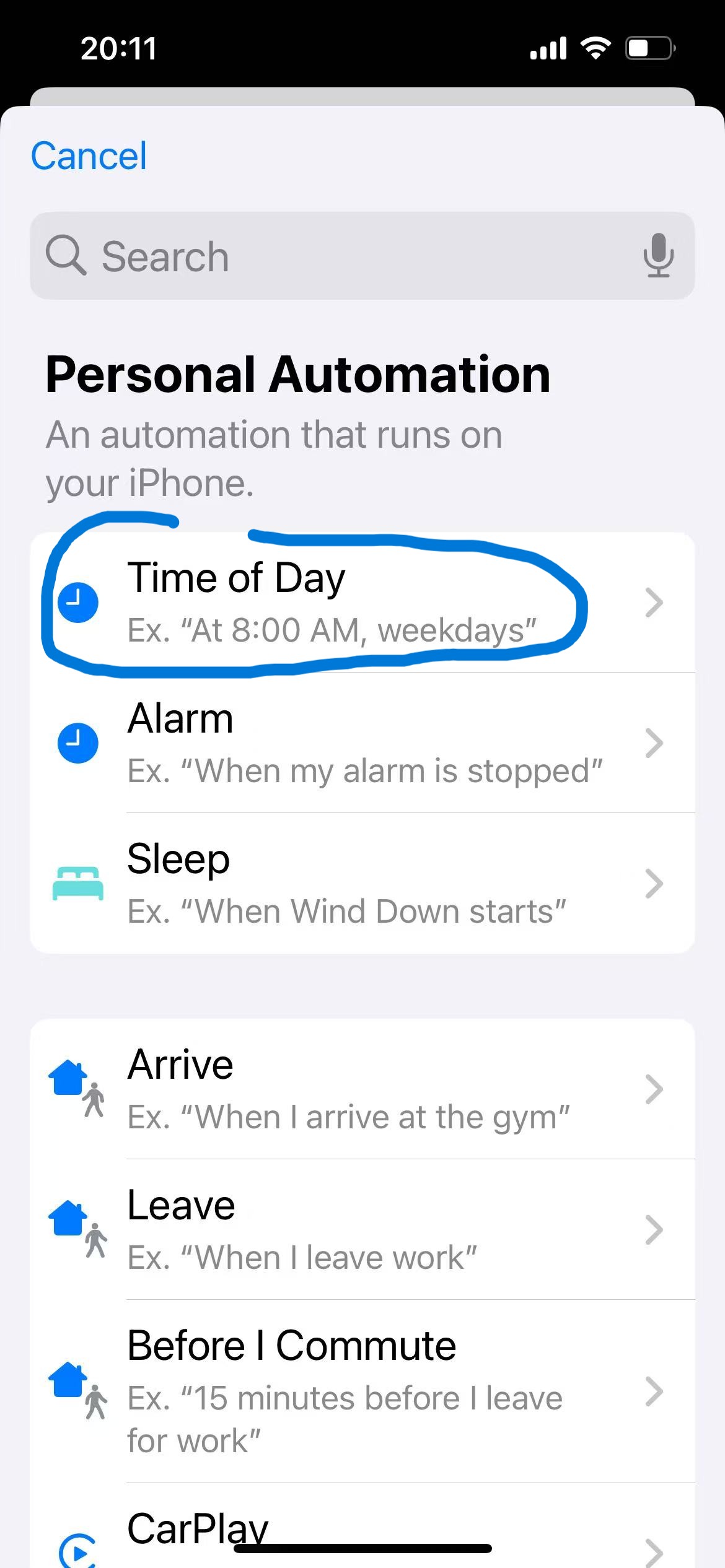
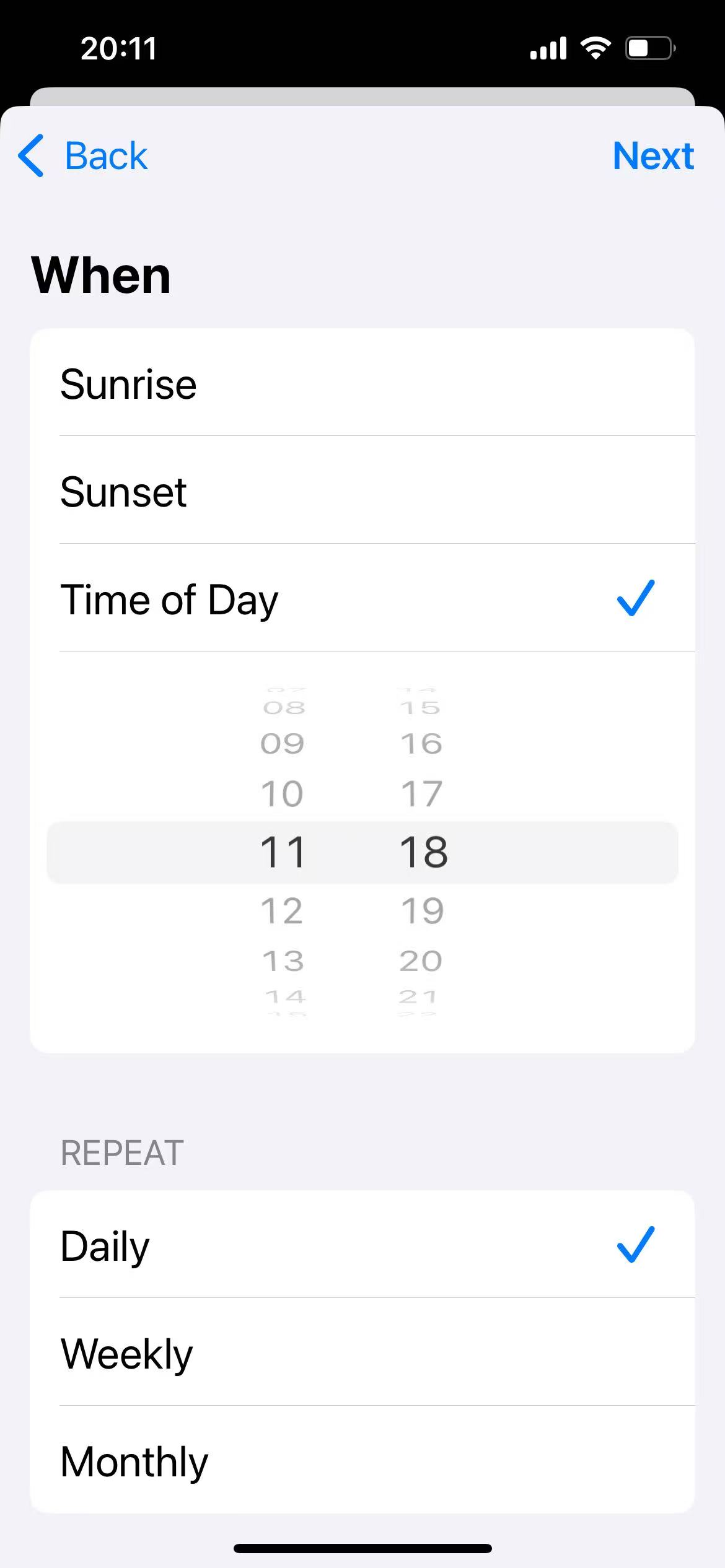
Return to the Shortcuts main screen, tap "Automation", and enter the automation creation interface. Here we select "Time of Day".
Set the shortcut to run daily at 11:18.
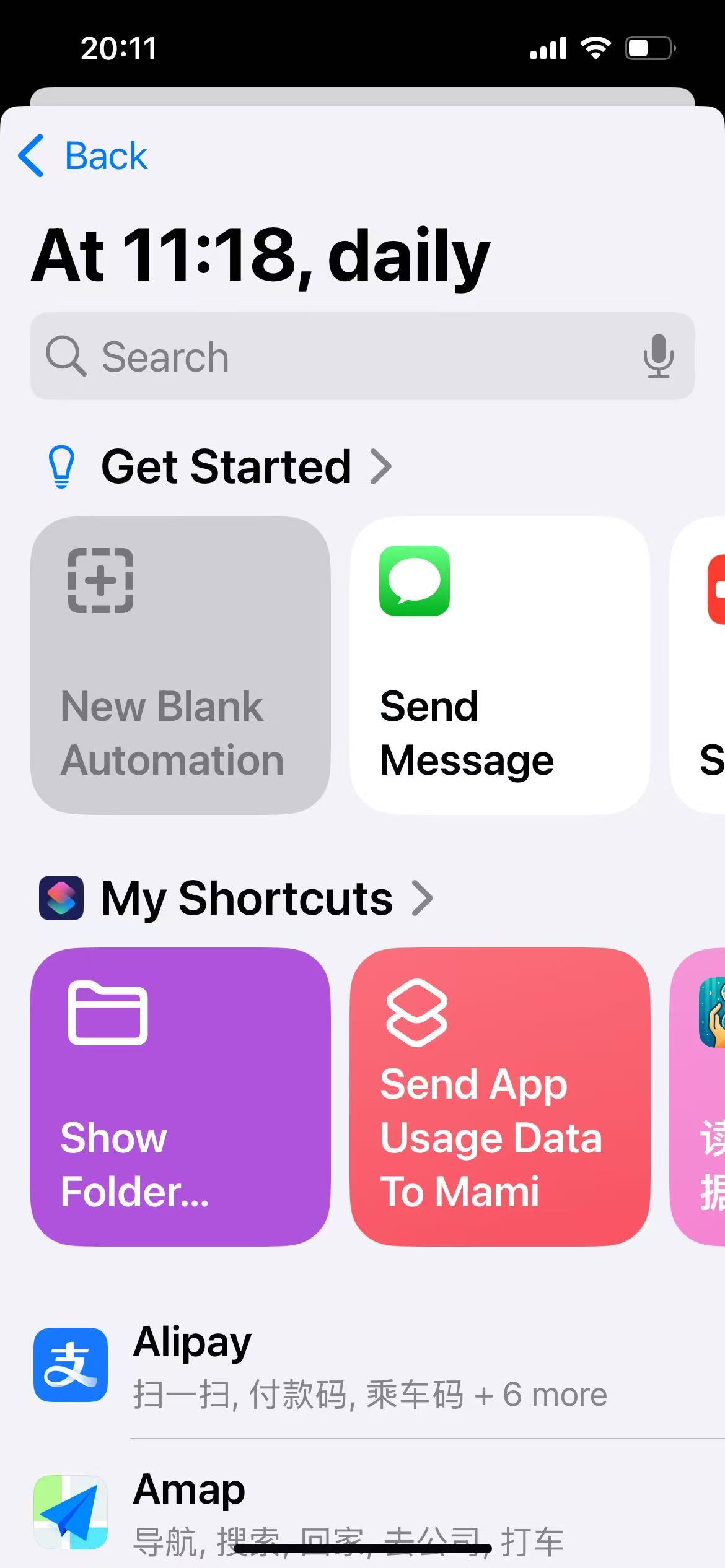
Select the "Send App Usage Data To Mami" shortcut we just created.
Change "Automation" to "Run Immediately".
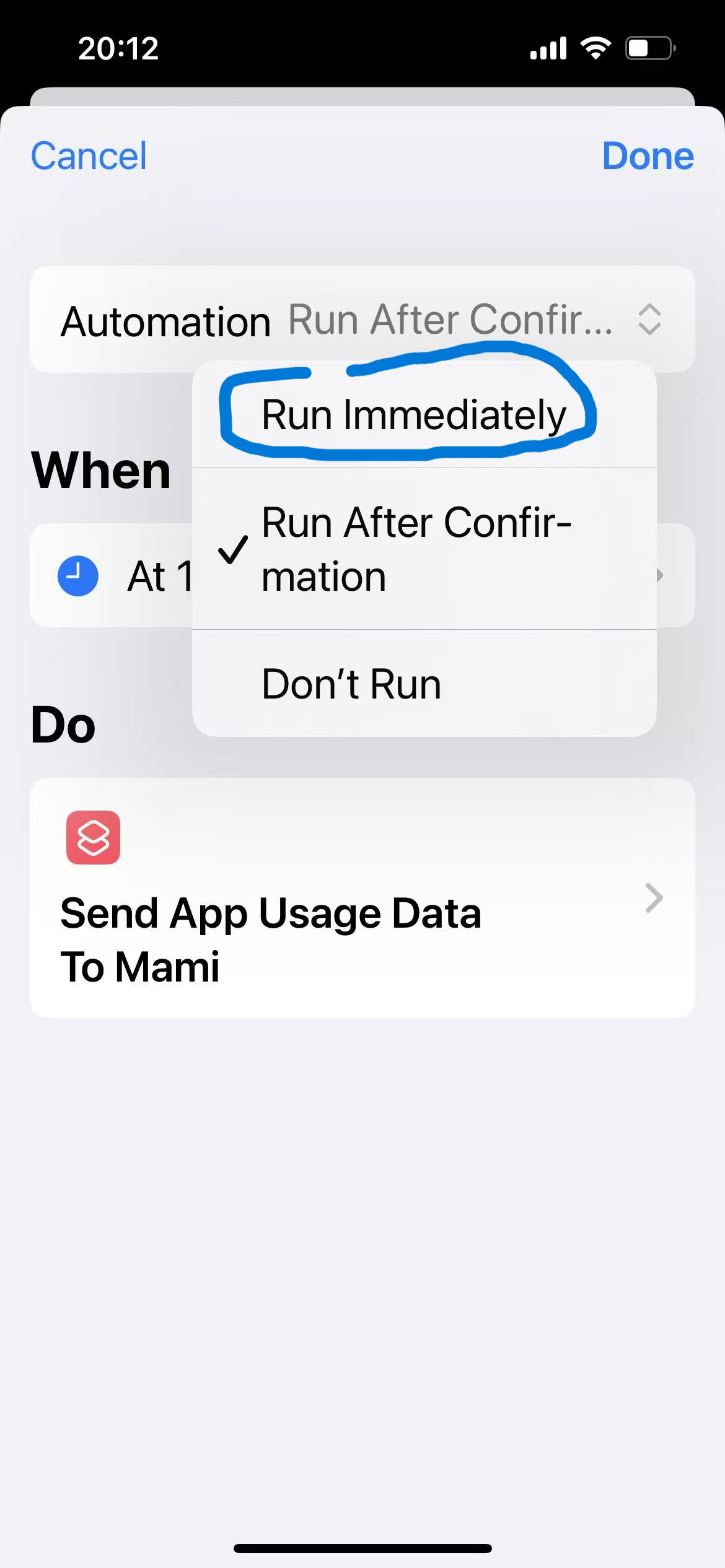
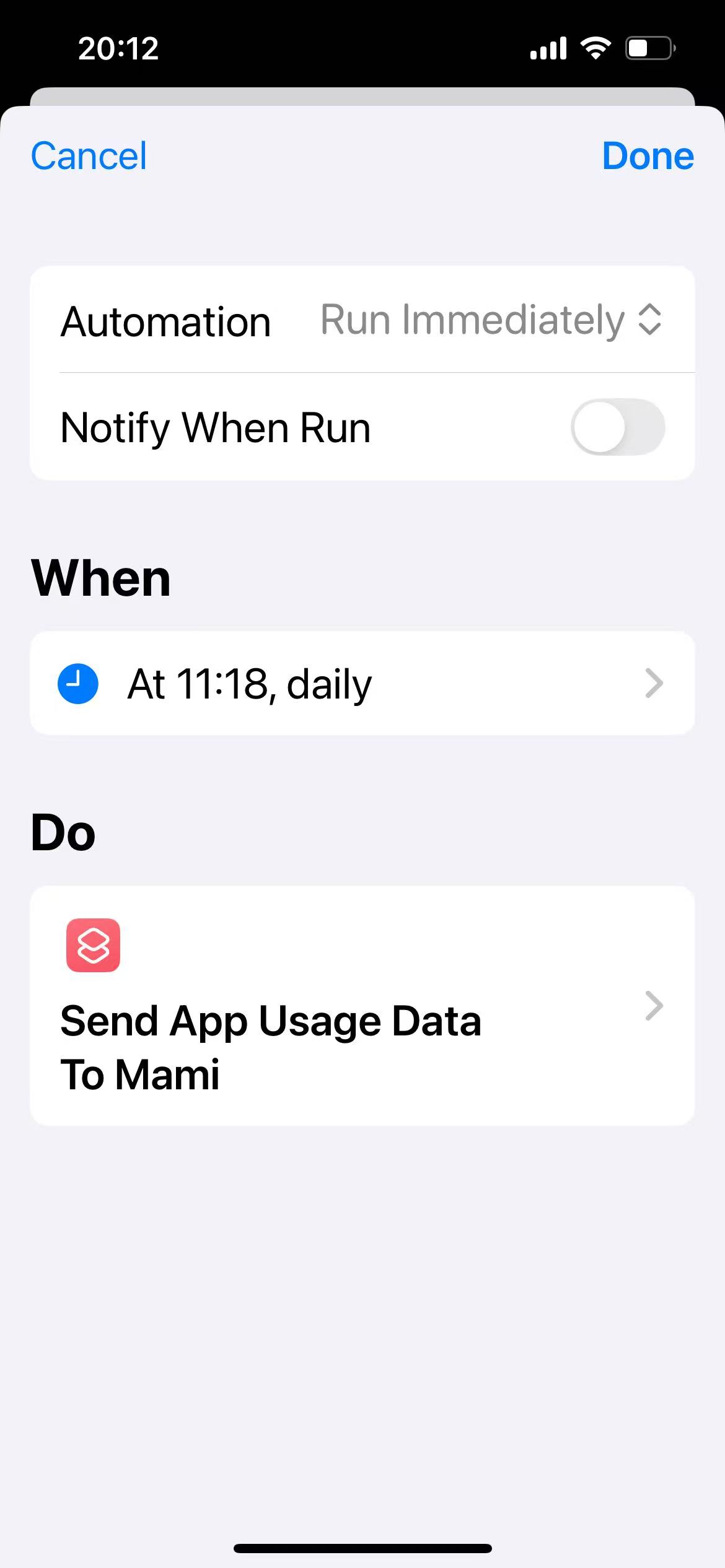
Now you have successfully set up an automated workflow that sends phone usage information to your Mami via iMessage daily at 11:18.